
Coshocton County VINELink Coverage
Coshocton County posts its own V.I.N.E. instruction sheet. VINE is a service of the sheriff. Anyone can call it for the status of an inmate held at the Coshocton County Justice Center. You can also register there for release and custody-change notices. That local sheet beats a generic directory entry. It gives a county-specific phone process and sends residents straight to VINELink after a Coshocton arrest.
The Ohio Attorney General's victim-notification information shows the wider network. County jails take part. So do the Ohio Department of Rehabilitation and Correction and the Department of Youth Services. A transfer to state prison does not end coverage, so a person can stay visible after leaving the local jail. Still, VINELink is no arrest log. It tracks custody records from participating agencies and exists mainly for status checks and alerts.
Check a Coshocton Arrest
Start at the official VINELink search. Search one person at a time. Spell the name correctly and add another identifier when you have one, so you do not pull a stranger with a similar name. The county's current jail roster can supply a book number, jacket number, or booking time when the name alone falls short.
- Open VINELink and select Ohio as the state.
- Choose the offender or custody search and enter the person's legal name. Add an identification number when one is known.
- Compare every match carefully. Check the facility, custody state, and identifying details before opening a record.
- Read the current status and last update. If the result is missing after a very recent arrest, check the official roster and contact the jail.
- Use the notification option on the correct record only if continuing alerts are needed.
A roster answers a different question. It shows who sits in the Coshocton County Justice Center at that moment. VINELink adds status tracking over time. The Coshocton County recent arrests hub shows how the roster, scheduled-release file, records request, and courts fit together. The official VINELink service opens with a county and state selection step. Each tool covers one piece of the arrest picture.

It searches one name, not a gallery of arrests.
Coshocton Custody Result Fields
Results vary by the agency supplying the record. Treat each field as a status flag. It is not a court finding. An offender or inmate identifier helps most when names repeat. Facility details separate a county jail record from an Ohio prison record, and the update time tells you how fresh the result is.
| Result item | How to use it |
|---|---|
| Name and identifier | Match the correct person and avoid relying on a name alone. |
| Custody status | Shows the status reported by the participating agency, such as in custody or released. |
| Facility | Indicates which participating jail or state institution supplied the record. |
| Status change | May reflect a release, transfer, escape, death, or another covered event. |
| Update information | Shows when the displayed information was refreshed, where the interface supplies it. |
Release does not erase an arrest record. A name can drop off the live roster while a booking sheet, incident report, or court case still exists. A transfer works differently. It moves the person from the county roster to the Ohio Department of Rehabilitation and Correction Offender Search. The court docket holds the final outcome.
Each result lists the inmate's name and booking charges. Those charges can change as a case moves forward.
Register Coshocton Custody Alerts
The county sheet lists a 24-hour line at 1-800-770-0192. Follow the touch-tone prompts, identify the inmate, and register one or two numbers. Operator help exists for rotary phones. Skip any switchboard number, since the automated call must reach a person who can enter the confirmation code.
- Find and verify the correct custody record before registering.
- Select the option to receive notice of release or a status change.
- Enter one or two direct telephone numbers. Online options may also permit email registration.
- Create a four-digit PIN for telephone calls and keep it private but available.
- When VINE calls, listen to the notice and enter the PIN to confirm receipt.
Ohio's material draws one clear line. Email registration skips the PIN. Phone registration does not. If an answering machine takes a county VINE call, the system leaves a message and keeps calling for up to 24 hours until someone enters the right PIN. Release notices are described as immediate. Still, no automated system should carry a safety plan alone.
Victims should register even if an officer already took their contact details. Giving a number during an investigation is not the same as registering it in VINE. For an urgent threat, call 911 or law enforcement. Do not wait on a database notice.
Justice Center Status Cross-Check
The official Justice Center inmate information page links the jail roster, scheduled releases, VINE, and the sheriff app. Each covers a different time frame. The roster is a current-custody snapshot. The scheduled-release PDF lists tentative dates and bonds for added charges. Court paperwork received after the daily upload may wait until the next day's file, the sheriff warns. VINELink works best for ongoing alerts.
For a booking you think happened today, the Coshocton arrests last 24 hours page explains why the county publishes no separate same-day arrest feed. Start with the roster. Then try VINE. If neither shows the person, call the Justice Center or Records Bureau with the full name and the approximate booking time. A missing row has many causes. Lag, release, transfer, a spelling mismatch, or a different custodian could each explain it. The county's official inmate information source remains the one page with every jail and notification route.
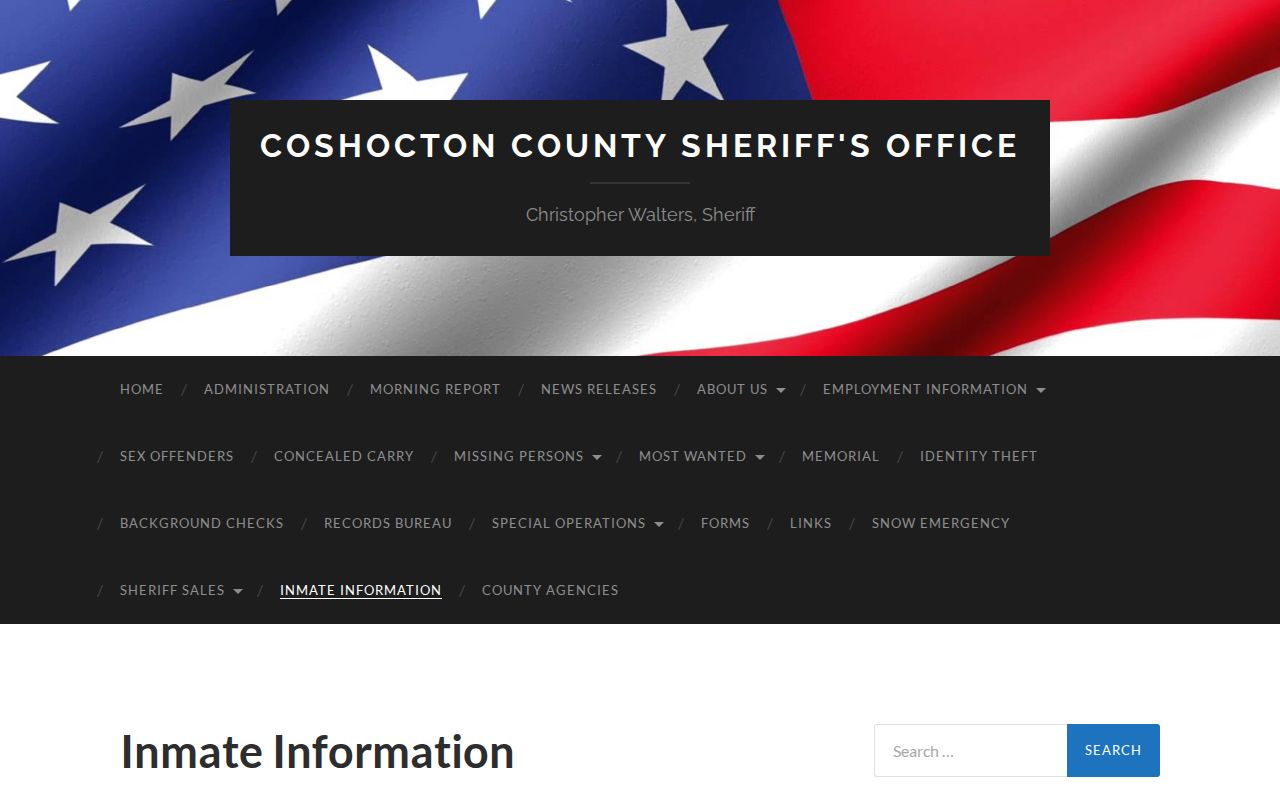
One page, three sources. It connects the jail roster, the release file, and the VINE sign-up steps for Coshocton County custody checks.
Records After Coshocton Arrests
VINELink answers one question: is this person in custody right now. It will not produce a booking photo or the arrest record itself. Those sit with the Coshocton County Sheriff's Records Bureau. Written requests go to 500 North Third Street, Coshocton, Ohio 43812. Staff also answer 740-622-2411, option 4, or records@coshoctoncounty.net. Older sheriff materials list a different address. Confirm the current details with the office before you make the trip.
Keep your request tight. Give the full name. Note any spelling variation too. Include the booking date and time, and the book or jacket number if you have it. Ask plainly for the public booking record and the booking photograph, if maintained and releasable. Should the office withhold an item, ask why. It should name the custodian or give the legal basis for withholding. Remember that the public roster carries no photo field. A blank there does not mean no booking photograph exists.
Outcome is a separate question. Use the Coshocton Municipal Court case lookup or the Common Pleas Clerk's records system. Arraignment, bond, later filings, and disposition may all appear there. Those events can differ sharply from the booking-day entry.
Coshocton VINELink Limits
VINELink is a custody alert service, not an archive of arrests in Coshocton County. It promises no same-day booking row. It keeps no record for every person released. It never shows a final court outcome for any case. Data can lag. Staff may still be processing a new commitment or transfer. Someone held for another jurisdiction may require a call to that agency.
Not every custody runs through VINE. Federal prison time appears in the Federal Bureau of Prisons Inmate Locator instead. Immigration detention has its own federal locator. Ohio state prison stays inside the ODRC system. Each covers a different custody, and none substitutes for another.
VINE alone is not a safety plan. Verify any critical release or transfer directly with the Coshocton County Justice Center, then follow instructions from law enforcement or a victim advocate.
The sheriff's office also offers a mobile app. Its Google Play description centers on tips, crime reports, news, and safety updates. No jail roster or booking-photo feature is listed there. Review the official Coshocton County Sheriff app listing before counting on it for that task.
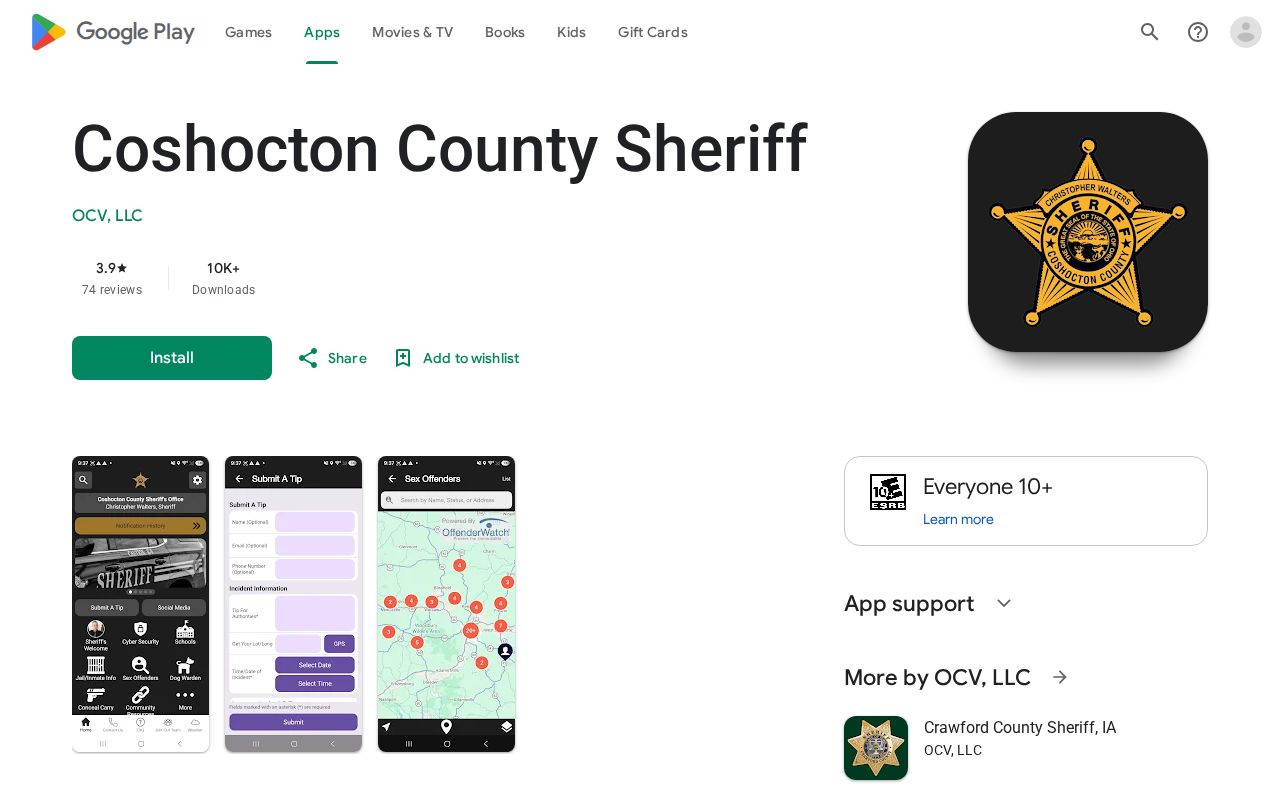
The sheriff's listing points to the app as a helpful tool, but VINELink stays the true custody-alert channel.
Verify Every Custody Change
Match each question to its official source. VINELink handles alerts. The Justice Center roster shows current local custody. Scheduled releases give a tentative date, the Records Bureau holds the booking packet, and the court answers outcome. Stale third-party listings are easy to skip once you know that. Registration for VINE notices never requires them. Recheck the agency record when timing touches safety, transportation, court attendance, or family contact. Details shift.
Public Record Search
Sponsored Results